



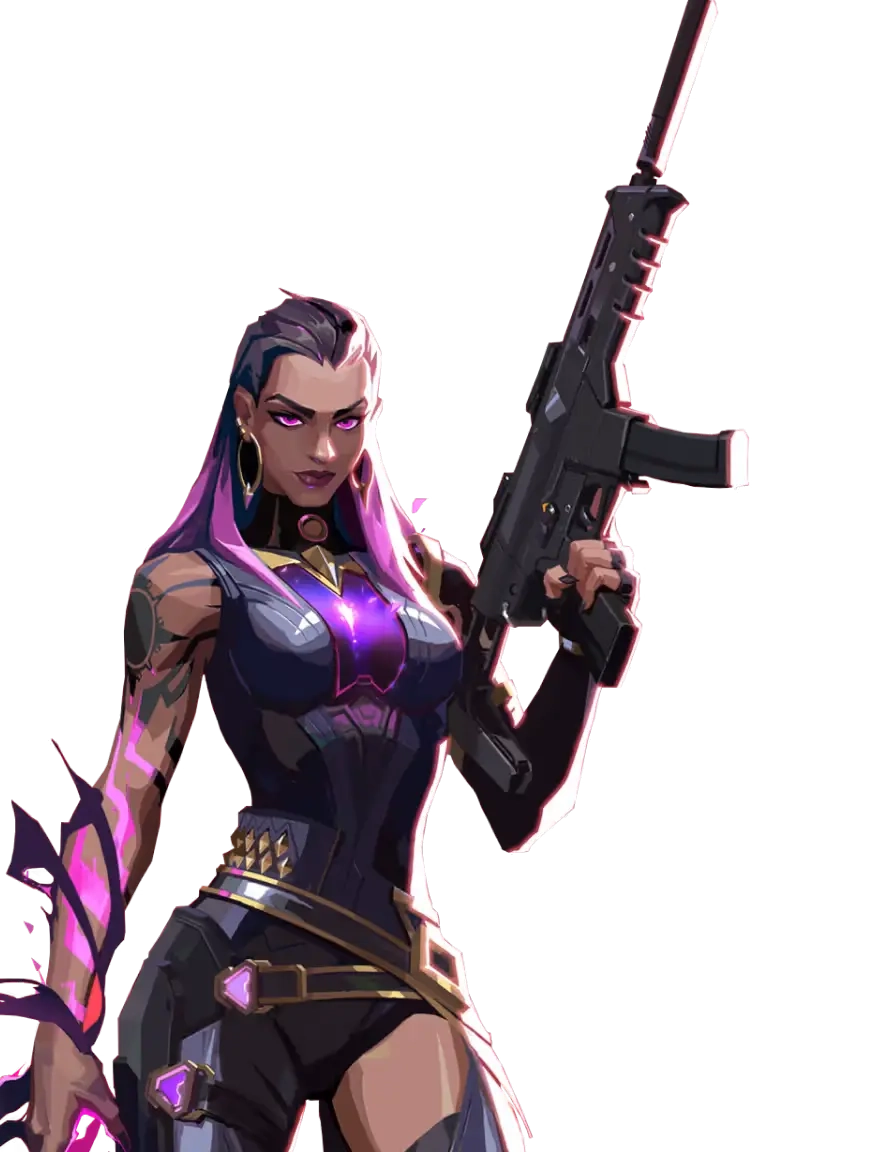
Utility-heavy executes
Smokes, flashes, abilities, and player movement can spike CPU and GPU load at the worst moment.
01
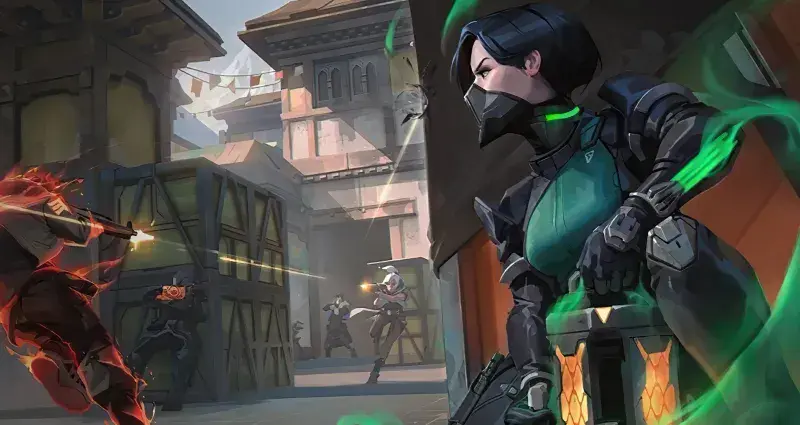
A crowded site hit exposes every background app, overlay, and uneven frame. One hitch is enough to throw off a peek or spray.
Smokes, flashes, abilities, and player movement can spike CPU and GPU load at the worst moment.
Launchers, updates, recording tools, and overlays can interrupt an otherwise smooth match.
Uneven frames can throw off a flick or counter-strafe. They can also make recoil harder to control.
Apps using CPU, memory, disk, or bandwidth leave less room for VALORANT.
03
Hone tunes Windows around VALORANT in one click, so you can skip the tweak guides and get into the next match.
Cut extra startup tasks so VALORANT has more CPU time and memory.
Apply gaming-focused system settings without patching the VALORANT client.
Cut avoidable interruptions that can make high FPS still feel choppy.
Reduce PC-side background traffic that can contribute to ping spikes.
04
Hone tunes Windows for VALORANT. It does not read, patch, or add code to the game client or Riot Vanguard. It does not automate play.
Hone stays out of VALORANT and Riot Vanguard processes and does not inject code into either one.
Your VALORANT installation and Riot Vanguard files remain unchanged.
Hone adds no aim, recoil, movement, or input scripts and no gameplay automation.
05
Hone took this VALORANT test PC from 346 to 522 average FPS.
Test system: Intel 10900K (5.5 GHz AC), RTX 4090 (stock), 16 GB DDR4 RAM (18-18-18-24-4000 MHz).
Results vary by hardware, VALORANT settings, map, drivers, thermals, and background apps.
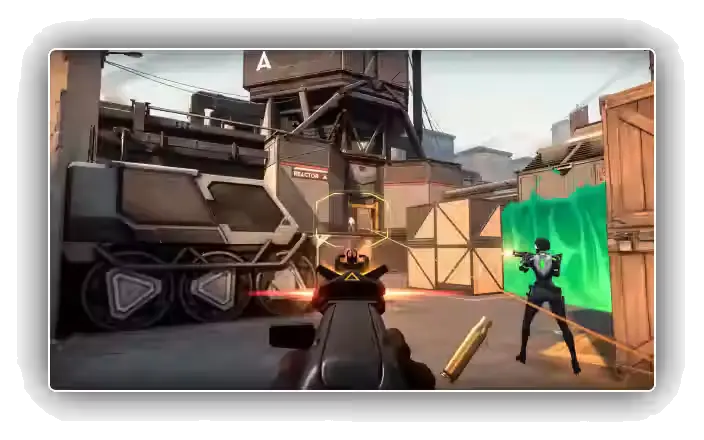
Extra headroom can keep peeks, flicks, and utility-heavy fights feeling steadier when the round gets messy.
06
Hone improves the part your Windows PC controls. It cannot fix Riot server load, distance, Wi-Fi quality, or your internet provider’s route.
Hone tunes Windows and cuts extra background work. These can affect FPS and how quickly the PC responds to input.
Hone can cut extra traffic on your PC. Your server, connection, and network route still limit how low ping can go.
More FPS cannot promise rank, aim, or wins. It gives your PC fewer chances to get in the way.
Close apps you do not need. Pick settings your PC can hold in a fight and keep your graphics driver up to date. Review the Windows tweaks in Hone, then apply your choices.
Yes. Hone has a free plan with limited optimizations, so you can test it with VALORANT before deciding whether to upgrade.
Hone works at the Windows level and leaves the VALORANT client and Riot Vanguard alone. It does not inject, read, patch, automate, or modify either one. Riot controls Vanguard requirements, so keep required Windows security features enabled.
Hone can reduce PC-side background traffic that contributes to spikes. Server load, distance, Wi-Fi, and ISP routing still set your baseline.
No. Hone leaves the VALORANT client, game files, memory, and Riot Vanguard unchanged.
No. Hone supports the PC version of VALORANT on Windows 10 and 11 only.


